

Here’s a bit of obscure inside baseball that I’ve never really talked about online because it’s a weird thing to complain about: Whenever I get into a press car, the audio settings are always incredibly out of whack. I’m not sure if it’s the press office that does it, or if it was the person who had the car before me, but without fail, the equalizer settings are all set in some insane way, making the audio sound terrible.
A result of this is that I’m weirdly skilled at being able to quickly find a car’s equalizer setting page within its infotainment screen and tune it to my liking. I suspect not many people even know settings like this in their car exist, but the people who do know are really specific about their audio preferences.


Audiophiles who own modern General Motors vehicles from Chevrolet and Cadillac are discovering there’s a better way to tune their sound systems than the stock equalizer settings. And it involves installing software from Nissan, of all places, directly into their cars.
What Does An Equalizer Do?
If the volume knob is the basic adjustment for audio settings, an equalizer tool is for the advanced adjustments. Simple equalizers will have different sliders for the three ranges of sound frequencies: Bass, midrange, and treble. Sophisticated equalizers will have more frequency “bands” to choose from, allowing drivers to fine-tune audio to their liking. Here’s a video showing what an equalizer looks like on a Chevrolet Equinox EV, which has a basic three-band setup:
If you’ve ever played with these sliders before, you’ll know that turning the bass up will unlock deeper, thumping beats and depth. Turning up the midrange will highlight stuff like vocals and guitars, while adjusting the treble will change higher tones like those from cymbals and flutes.
Sophisticated equalizers will have more frequency “bands” to choose from, allowing drivers to fine-tune audio to their liking. Some cars even have equalizers that can adjust sound depending on the seat you’re sitting in, playing different frequencies of the same song through the speakers, depending on how close you’re sitting to that speaker.
Nissan Has An App For That
Playing with equalizer settings isn’t for everyone. Even after years of adjusting press car audio, I’m still not really sure I get it right 100% of the time. Back in December, Infiniti, Nissan’s luxury subbrand, made an app to take the guesswork out of audio system optimization.

The app, called Infiniti Sound, is available to download for free through the Google Play store, designed for Nissans and Infinitis with Google Built-In software. Instead of making the user adjust sliders to figure out what sort of sound is best for them, it does all the hard work for you and asks only for simple inputs to set up. Here’s the full rundown on how it works, straight from Nissan:
Getting started is simple. After downloading the Personalized Sound app from the Google Play store, the program will guide drivers through a hearing test by playing tones of varying loudness and pitch. The driver responds with how well they can hear each sound by tapping on the infotainment screen, and the program creates a bespoke listening experience based on that individual’s hearing profile.

The entire set-up process takes about three minutes.
Going beyond traditional bass, treble, fade and balance adjustments, Personalized Sound uses the test results to precisely tweak a 10-band equalizer with frequencies from 50 hertz to 1,200 hertz.

Mitchell Pope, the product planner who led the app’s design, said the team wanted to “elevate every driver’s experience” with regard to audio quality. Nissan says this is the first such in-vehicle hearing test system offered by a manufacturer.
“After taking the test, most drivers will notice a clear difference with their new audio profile,” Pope said. “They’ll often pick up details they didn’t before, even in songs they’ve listened to countless times. But above all, they’ll know their audio was customized just for them.”
How GM Owners Are Using It To Their Advantage
The thing about Google Built-In is that it’s not just Nissans and Infinitis that have it. General Motors has famously moved most of its lineup to using Google Built-In for its infotainment system, which means modern Chevy, Cadillac, and GMC owners have access to all the same apps from the Google Play store in their cars.
Moreover, Nissan’s Infiniti Sound app is available to download to any car that has Google Built-In infotainment, not just Nissans. The result is a bunch of General Motors owners using the app to tune the audio in their cars in ways that weren’t previously possible, and without having to install any fancy aftermarket hardware.
In a thread on the Chevrolet Equinox EV forum, user Zoomie61 talks about how the app stepped up the stereo’s quality:
I didn’t find a post for this, but download from the INFINITI personalized sound app from the Google Play Store and run it. It will run a series of sounds test to setup the equalizer. Made a huge difference to the stock sound system performance for me.
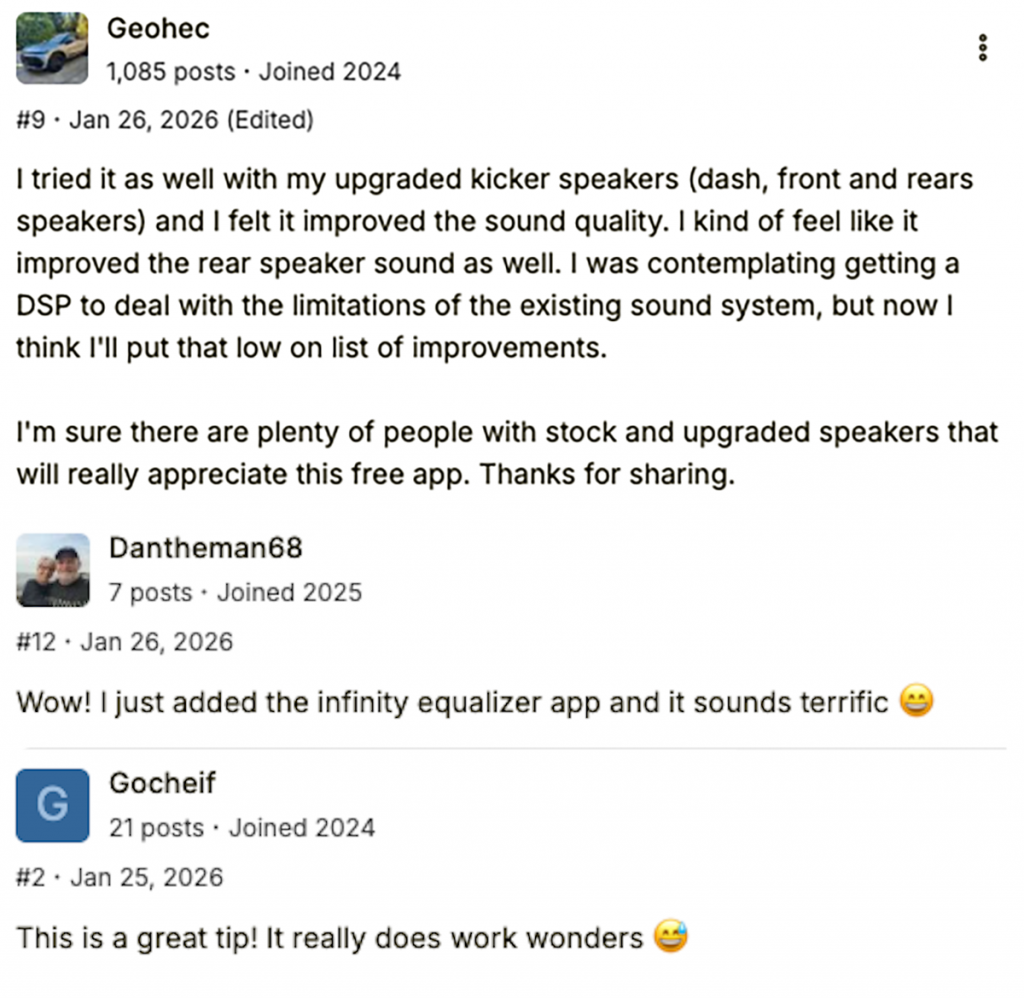
This led to owner users trying it for themselves, with most seeing success:
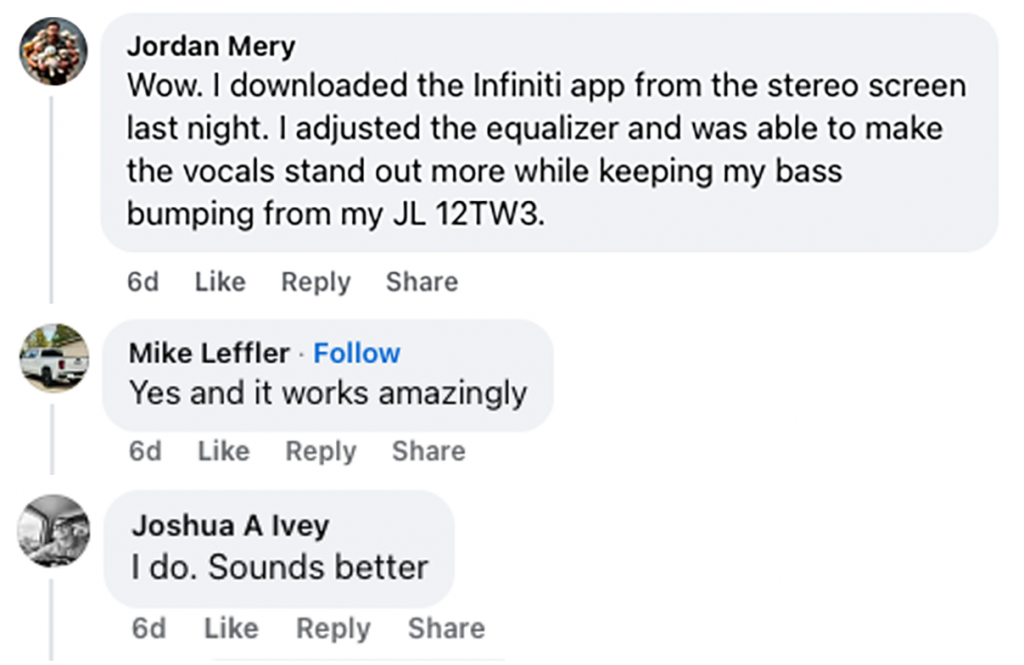
A Facebook user named Dakota Scott asked a GMC AT4-themed Facebook Group if anyone uses the app on their GMC Sierra 1500, and a bunch of people tuned in, saying it improved quality:
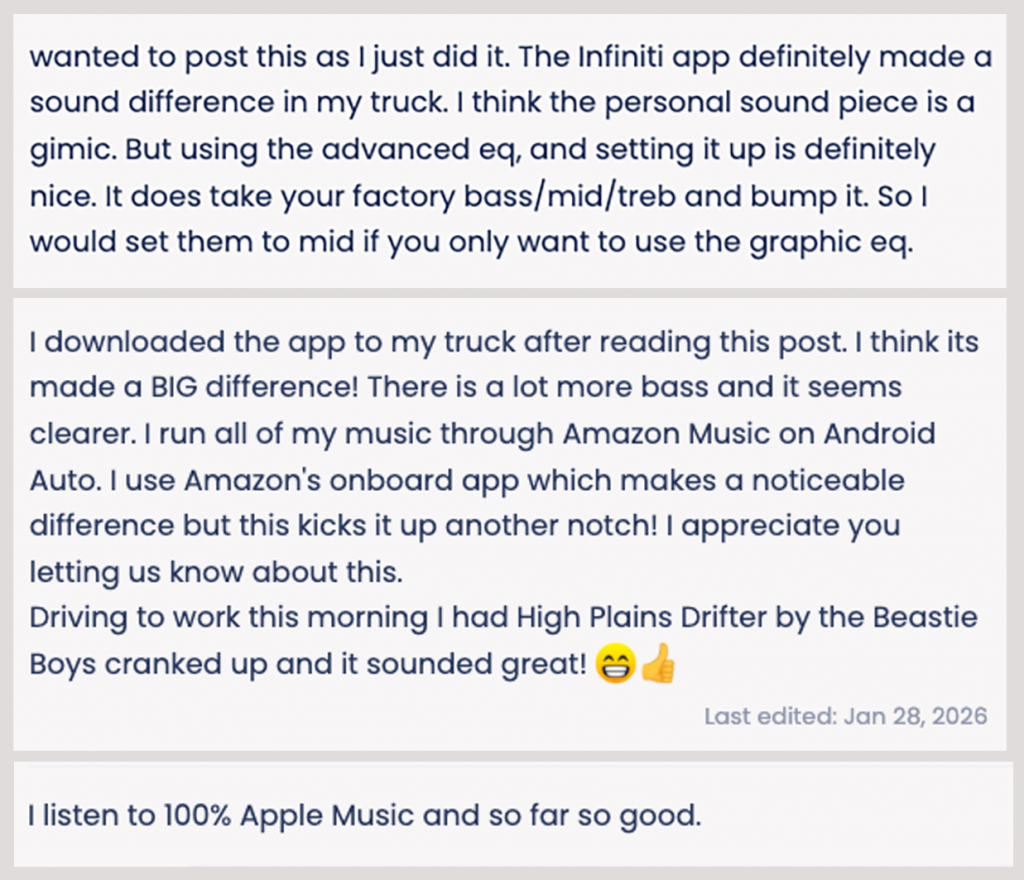
Then there’s this thread from the ChevyZR2.com forum, which reveals even more happy customers:
Those are just a few examples. There’s another thread on the Chevrolet Silverado ZR2 Facebook group talking about how the app makes a “day and night difference” in quality, and another in the Duramax 3.0 Owners group talking about how you should only run the test if your car isn’t running, as the diesel engine might make the test noises difficult to hear. One user even made a tutorial video showing how to install the Nissan app onto your General Motors product (it’s no different than installing any other app from the Google Play store):
I’ve reached out to both GM and Nissan about this phenomenon, but have yet to get a statement back from either brand. This is one of those weird cases where Nissan probably didn’t even consider that anyone who isn’t driving one of its products would even try to use this app, much less successfully. If anything, it feels like a PR win for the company, which can now say that even people who drive other cars turn to its software for superior audio quality. Conversely, it’s a signal to GM that it should probably consider stepping up its audio customization game.
It’s also worth noting that GM and Nissan aren’t the only cars with Google Built-In. Brands like Volvo, Honda, Ford, and Polestar all have Google-ified infotainment systems as well. If Infiniti Sound works on GM vehicles, there’s a chance it’ll work with those brands, too. If you have a car with Google Built-In, give it a try and let me know what happens in the comments.
Top graphic images: GM, Nissan


Seems to work on a MY24 Polestar 2 LRSM with firmware 4.2.13… are placebo effect. App isn’t perfect but seemed to actually perform some equalization.
https://encrypted-tbn2.gstatic.com/shopping?q=tbn:ANd9GcSom4JJrbF9YN0E-l1lbfXIf-GwknIjbZufsGSecYZTo5ilm7hA_Z8TMEZrJCZqEV_4Ug6gk9kRZMTir8udnQ9aZ-yUSabpRvJPvwWK7MLD
1981 Toyota Celica. Automotive technology seems to be set on regression.
Pssst… Android Automotive is a way to get you to pay for something that used to be free.
Also, I’m suspicious that “above all, they’ll know their audio was customized just for them.” So, above even the sound is KNOWING they have a “bespoke experience”. Just moves the BS meter a small notch is all.
As the driver of a car with Android Automotive who currently pays nothing extra beyond just the normal car payment each month… how am I paying for something that used to be free?
It’s a 5 year old car and even then I’m still not paying for the data either! And data connection is something manufacturers have always charged for. And it’s still getting regular software updates too.
It’s free for a certain number of years for a certain tier, sure, but Imma keep a car for as long as I can…. It’s a clear move to a subscription based model, even if they’re feathering the throttle at first
Instructions unclear. Accidentally installed the Big Altima Energy app into my car and now I am doing 80mph weaving in and out of traffic. Please send Keanu Reeves.